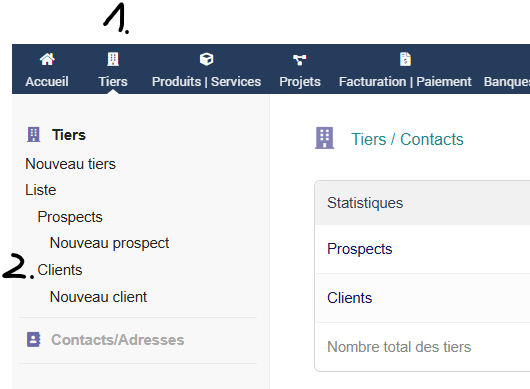
- Select “ThirdParty“
- Select “Customers“
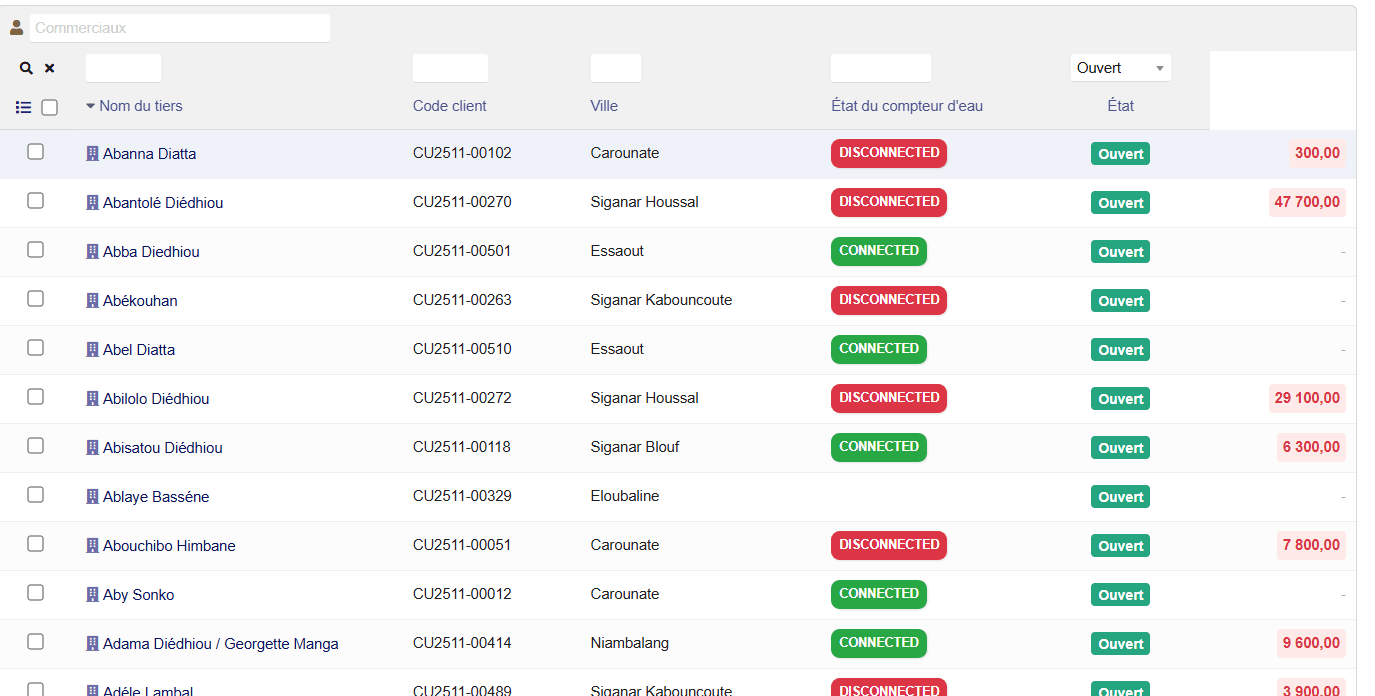
- Search City oder Name – also you can sort for “Customer Code“
- Click on the desired customer
- Select at the customer tab bar “Water Readings“
- Click on “Add Reading“
- Select the new reading date at “Reading Date“
- Add the actual index in “Index New“
- Press “Save“


